
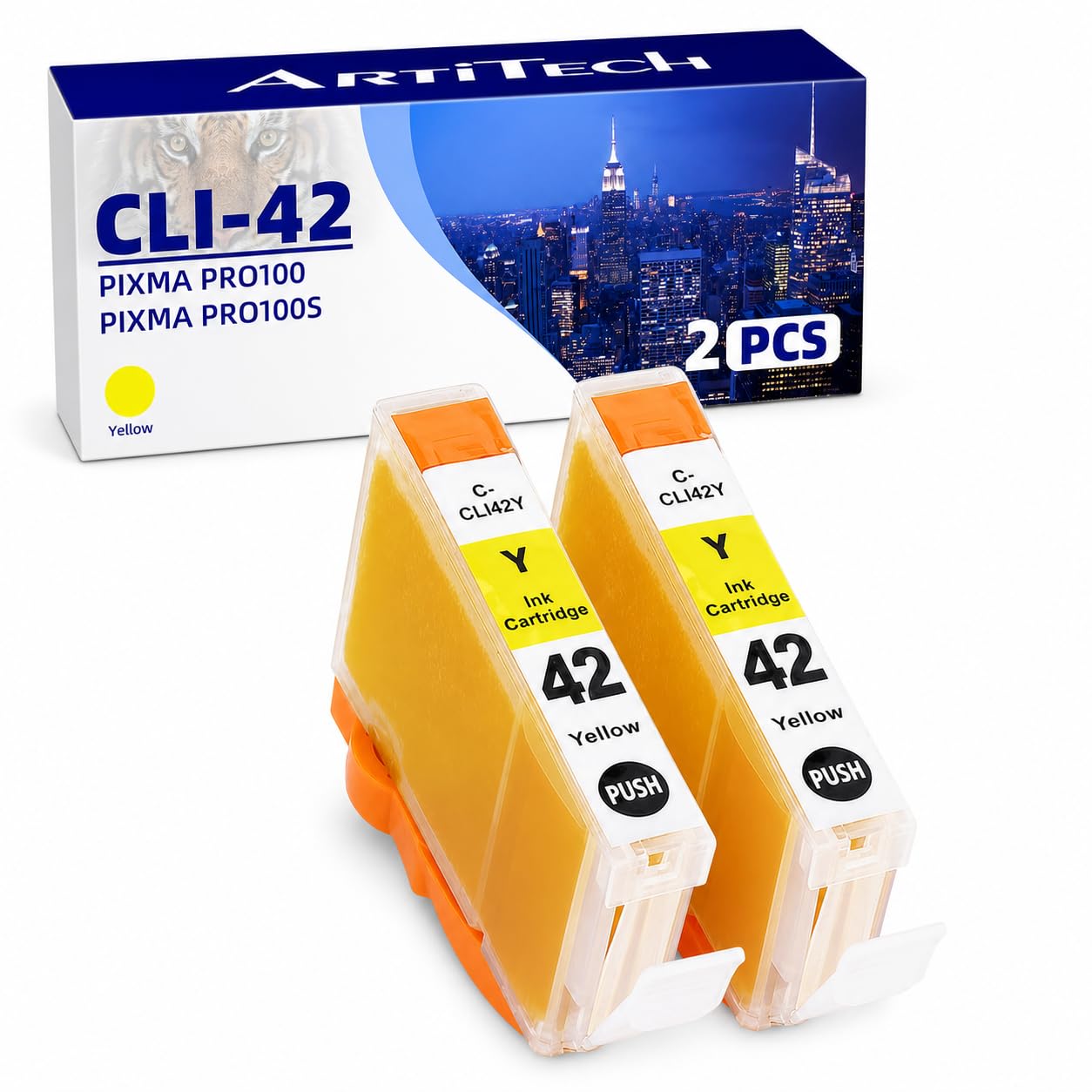
ARTITECH CLI-42 Y Pixma Pro-100 Compatible Ink Cartridges Replacement for Canon CLI42 CLI-42 Yellow Ink Cartridge Work for Pixma Pro-100S Printers,2($7.59Value)
$7.59
ARTITECH CLI-42 Y Pixma Pro-100 Compatible Ink Cartridges Replacement for Canon CLI42 CLI-42 Yellow Ink Cartridge Work for Pixma Pro-100S Printers,2($7.59Value)
Description
Compatible Printers: Canon PIXMA Pro-100 printers, PIXMA Pro-100S printers Package Includes: 2 pack of CLI-42 yellow compatible ink cartridges. Ink Volume:14ml for Canon pro 100 ink cartridges, ChromaLife100+ technology provides longer-lasting and more beautiful vivid photo prints. Our CLI-42 ink cartridges are tested to ensure consistent, quality prints that match the image/text seen on one's printer both at the component level and with print tests. All ArtiTech CLI-42 Ink cartridges are manufactured in ISO9001, ISO14001, SGS and CE certified facility.Our U.S. customer support team is available 24/7 for any questions by clicking on our store name (Amee Hanke) above the bullet section, and clicking on 'Ask a question' on the top-right side.
Item: 2 pack of CLI-42 Yellow compatible ink cartridges.
Cartridges come filled with the chip, show accurate ink levels, and work with all new printers.
Compatible Printers:
Canon PIXMA Pro-100 printer
Canon PIXMA Pro-100S printer
All cartridges go through a rigorous quality control procedure and undergo testing at the component level, testing for electrical circuitry, printhead cleaning, filling to capacity, and a final print test.
Color Representation:
In order to ensure prints match the color seen on one's monitor, our cartridges undergo specific testing both at the component level and with print tests.
Greater Page Yield:
We test to ensure our cartridges are filled to max capacity during the manufacturing process. These increase pages yield while helping the environment by reducing landfill waste.
Safe Packaging:
All of our ink cartridges are individually vacuum-sealed to ensure safe transit and spillage. To prolong its shelf life keep the cartridge stored in its bag until it's time to put it to use.
Instructions for use:
Step 1: Pull off the orange sealing tape on top of the cartridge.
Step 2: Turn cartridge upside down and remove the orange cap off the cartridge
Step 3: Insert the cartridge into the corresponding slot and push down on the cartridge until you hear a click sound
Step 4: This step is optional. Run a Printhead clean on the cartridge. this will flush out residue left over from previous use
More Information
| Color | CLI-42 2x Yellow |
| Gtin | 4710004850773 |
| Mpn | CLI-42 2Y |
| Age_group | ADULT |
| Condition | NEW |
| Gender | UNISEX |
| Product_category | Gl_office_product |
| Google_product_category | Office Supplies |
| Product_type | Office Products > Office Electronics > Printers & Accessories > Printer Parts & Accessories > Printer Ink & Toner > Inkjet Ink Cartridges |