
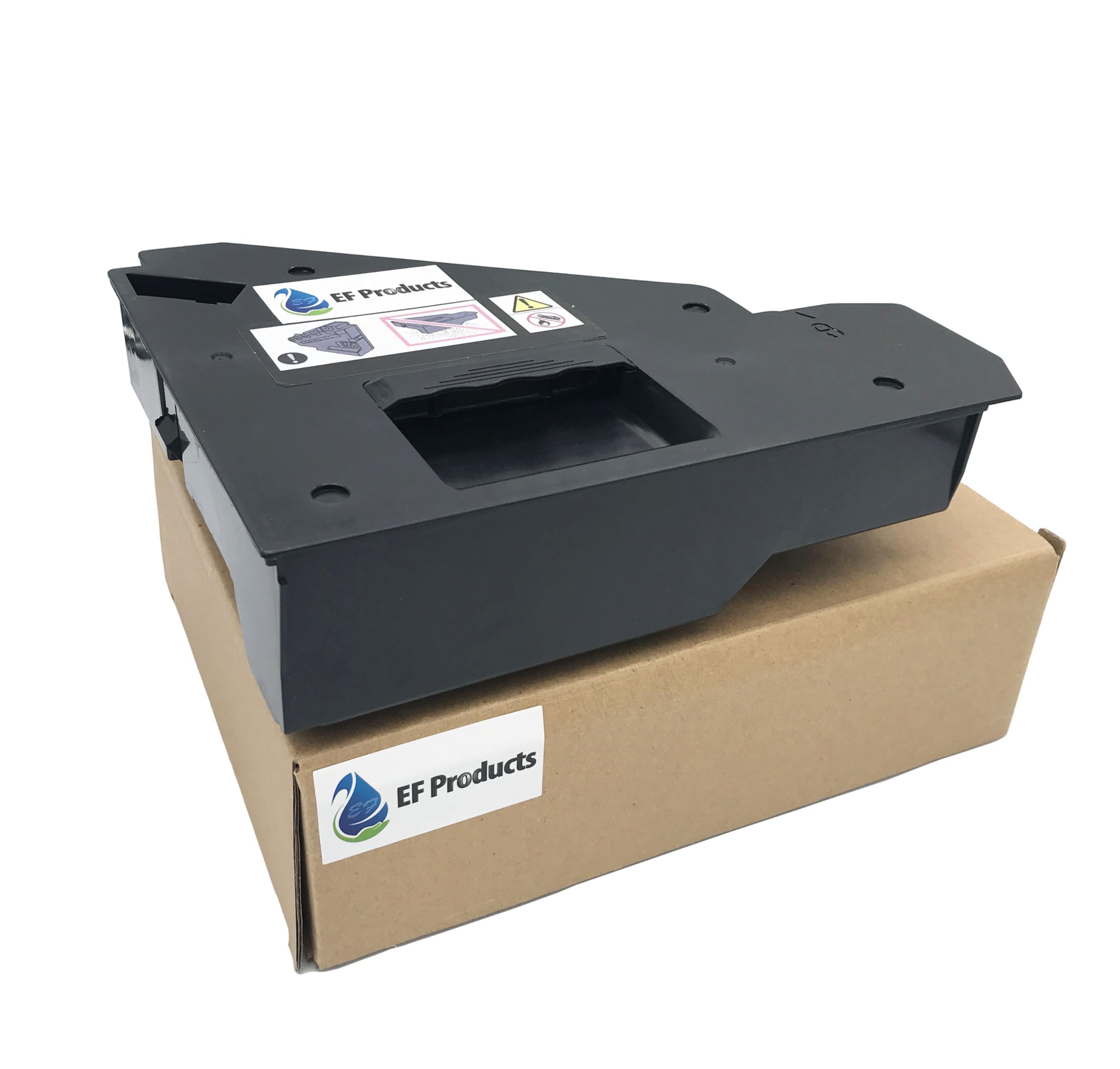
EF Products 108R01416 Compatible for Xerox VersaLInk C400 C405 Phaser 6600 WorkCentre 6605 Dell C3760n C3760dn C3765dnf S3840cdn S3845cdn C2660dn($18.59Value)
$18.59
EF Products 108R01416 Compatible for Xerox VersaLInk C400 C405 Phaser 6600 WorkCentre 6605 Dell C3760n C3760dn C3765dnf S3840cdn S3845cdn C2660dn($18.59Value)
Description
Replacement Waste Toner Container for Dell S3840cdn S3845cdn Printer Use for Dell Color Laser Printer C3760dn C3760n C3765dnf for Xerox VersaLink C400 VersaLink C405 Printer for Dell C2660dn Dell C2665dnf printer part #: 331-8438 for Xerox Phaser 6600n 6600dn WorkCentre 6655 6605N 6605DN # 108R01124 EF Products 331-8438 Waste Toner Cartridge Compatible for Dell C3760n C3760dn C3765dnf S3840cdn S3845cdn C2660dn C2665dnf Series Printer # Replace the Waste Cartridge: 1.Open the Right Side Door. # 2.On the right side of the printer, unlock the Waste Cartridge, rotate the lever 90-degrees to the left. # 3.Grasp the handle of the Waste Cartridge, then pull the cartridge out of the printer. To prevent Toner spills, keep the openings in the cartridge, face-up. # NOTE: Dispose of the Waste Cartridge as normal office waste or recycle the cartridge in accordance with local regulations. # IMPORTANT: Be careful not to spill Toner when handling the Waste Cartridge. After removing the cartridge, do not touch the Toner port. # CAUTION: To avoid Toner spills or malfunction, do not place the Waste Cartridge on the side. # 4.Remove the new Waste Cartridge from the packaging. # 5.Install the new Waste Cartridge. # 6.To lock the Waste Cartridge, rotate the lever 90-degrees to the right. When the lever is vertical, the cartridge is locked in position. # 7.Close the Right Side Door.
More Information
| Color | 1 Black |
| Gtin | 0794677280895 |
| Mpn | 331-8438 |
| Age_group | ADULT |
| Condition | NEW |
| Gender | UNISEX |
| Product_category | Gl_office_product |
| Google_product_category | Office Supplies |
| Product_type | Office Products > Office Electronics > Printers & Accessories > Printer Parts & Accessories > Printer Ink & Toner > Toner Cartridges |