
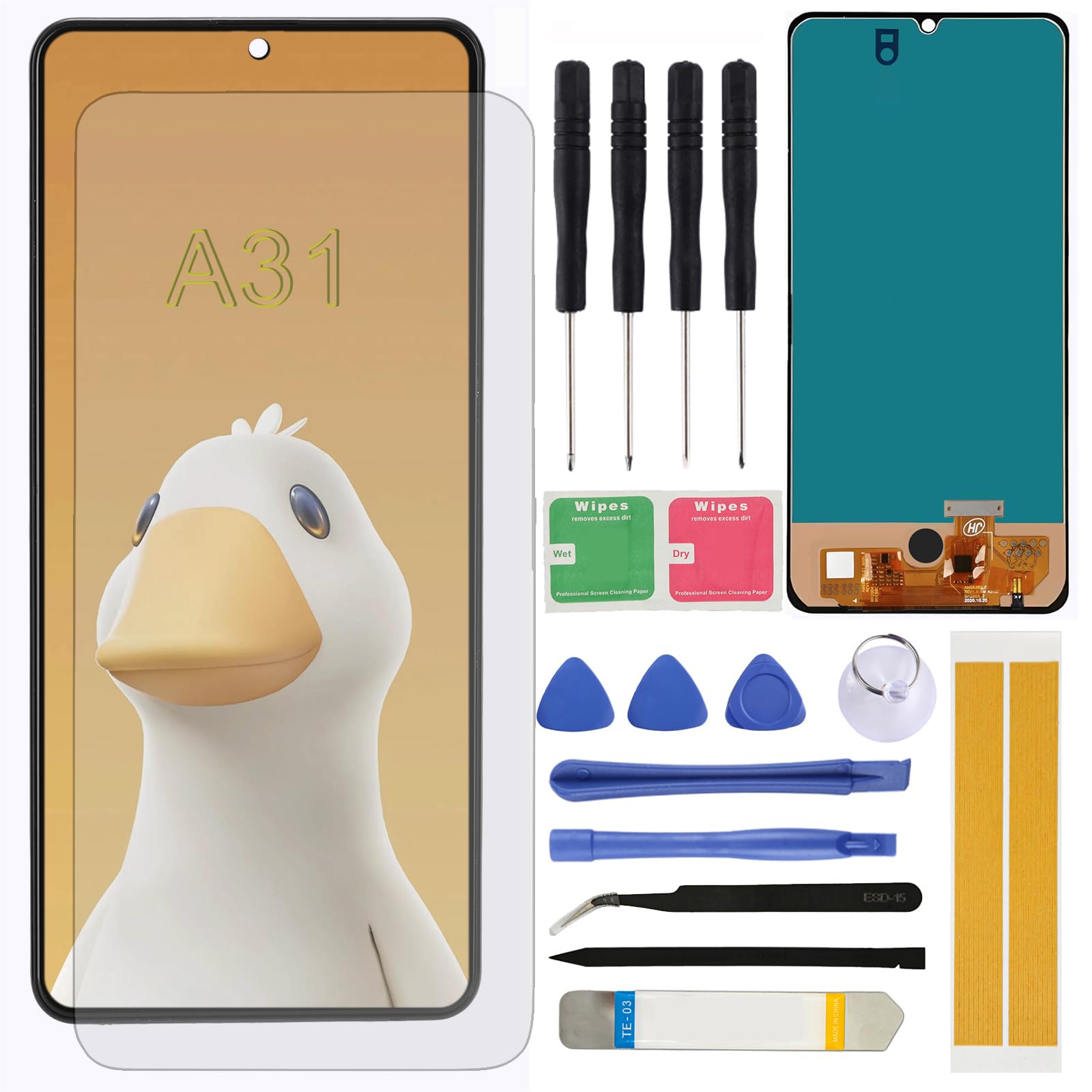
LCD Screen Replacement for Samsung Galaxy A31 SM-A315F A315F/DS A315G/DS A315G A315N 6.4" Assembly LCD Display Touch Screen Digitizer with Repair($17.59Value)
$17.59
LCD Screen Replacement for Samsung Galaxy A31 SM-A315F A315F/DS A315G/DS A315G A315N 6.4" Assembly LCD Display Touch Screen Digitizer with Repair($17.59Value)
Description
Brand new replacement display OLED screen ONLY for Samsung Galaxy A31 SM-A315F A315F/DS A315G/DS A315G A315N 6.4" (1080 x 2400 pixels, 20:9 ratio). 100% compatible with your smartphone. By using this set, you can make your phone work like new. Please check your phone model number before purchasing. Comes with all the necessary tools required for hassle-free screen replacement, including screwdrivers, pry tools, suction cup, and more.Enables customers to perform DIY repairs confidently and efficiently without the need for additional tools or accessories. Each screen replacement undergoes rigorous quality control testing before shipment to ensure reliability and performance. Guarantees a defect-free product that meets industry standards and exceeds customer expectations. Restores the original clarity and touch sensitivity of the cellphone screen, providing an optimal viewing and user experience. Ideal for resolving issues such as cracked screens, dead pixels, or unresponsive touch screens. Precision-engineered to provide a seamless fit and functionality, ensuring compatibility with your cellphone. Made from premium materials for durability and clarity, delivering a crisp and vibrant display experience.
LCD Screen Replacement Compatible with Samsung Galaxy A31 SM-A315F A315F/DS A315G/DS A315G A315N 6.4" (1080 x 2400 pixels, 20:9 ratio).
1.Make sure your phone is power off first before installation.
2.Prepare a heat gun, or a hair dryer and heat up the edge of the phone before you begin slicing.
3.Mark each screw. Your screen might be broken if you put the screw in a wrong hole.
4.Use tweezers and spudger to remove sticker or display cable bracket.
5.Be careful with metal tools to avoid scratching the screen.
6.If your phone won't turn on after replacing the screen, there is a chance that the phone has silently turned on when the battery is re-connected. Hold the power button for a few seconds until the phone vibrates off. Afterwards, re-connect the screen, and try again.
More Information
| Size | A31 |
| Gtin | 0762715511706 |
| Mpn | A315F |
| Age_group | ADULT |
| Condition | NEW |
| Gender | UNISEX |
| Product_category | Gl_wireless |
| Google_product_category | Electronics > Communications > Telephony |
| Product_type | Cell Phones & Accessories > Accessories > Maintenance, Upkeep & Repairs > Replacement Parts > Screens |