
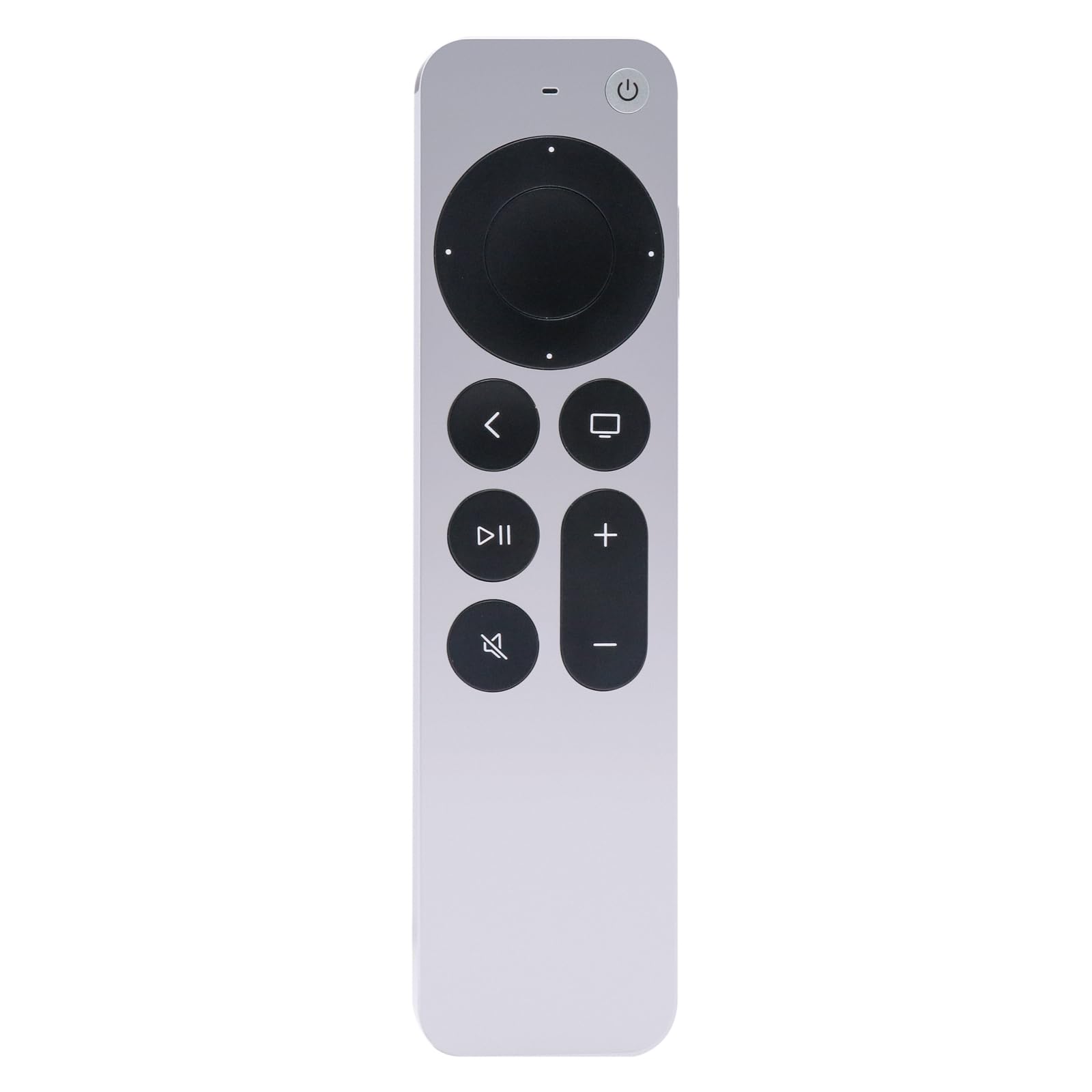
Bestparts Remote Control for 2nd Siri Remote A2540 EMC 3732 MJFM3LL/A | Compatible with Smart TV HD A1625, Apple TV 4K A1842/A2169/A2737/A2843,Not for($52.99Value)
$52.99
Bestparts Remote Control for 2nd Siri Remote A2540 EMC 3732 MJFM3LL/A | Compatible with Smart TV HD A1625, Apple TV 4K A1842/A2169/A2737/A2843,Not for($52.99Value)
Description
Siri Remote (2nd generation) Compatible with Apple TV 4K (3rd generation) A2737 , Apple TV 4K (2nd generation) A2169 , Apple TV 4K (1st generation) A1842 , and Apple TV HD A1625 Warranty: 6 months. You will receive: 1x Siri Remote Product Information:
Before you use it, you need to match apple TV first.
Press and hold Back " < " and Volume Up " + " for five seconds.
If asked, place your remote on top of Apple TV to complete pairing.
If your remote still isn't working as expected, try restarting your remote.
Press and hold the TV/Control Center button and the Volume Down button " - " at the same time. Hold the buttons down for about 5 seconds, or until the status light on your Apple TV turns off and on again.
Release the buttons. Then wait 5 to 10 seconds for a Remote Disconnected notification to appear on your TV screen.
Wait while your remote restarts. When the Connected notification appears, you can use your remote
Get more help
Charge your remote for 30 minutes using Lightning to USB cable and a USB wall charger.
Unplug your Apple TV from the wall power outlet. Wait at least six seconds, then plug it back in.Before you use it, you need to match apple TV first.
Make sure that your Apple TV is updated to the latest version of tvOS.
Model:A2540 EMC 2372
More Information
| Color | Gray |
| Mpn | A2540 |
| Age_group | ADULT |
| Condition | NEW |
| Gender | UNISEX |
| Product_category | Gl_electronics |
| Google_product_category | Electronics |
| Product_type | Electronics > Television & Video > Accessories > Remote Controls |