
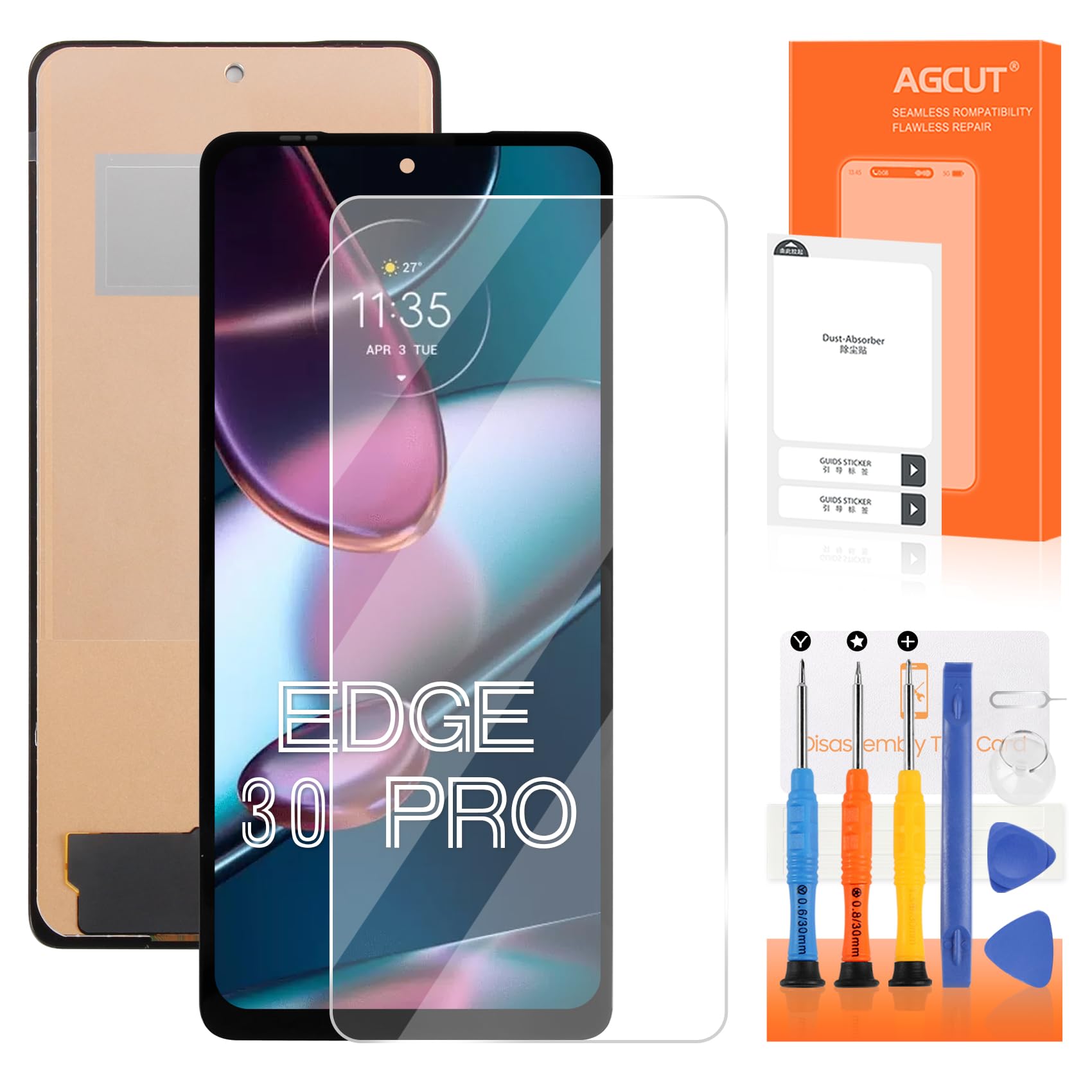
Screen Replacement for Moto Edge Plus 5G 2022 / Edge+ 5G UW 2022/Moto Edge 20 / Edge 20 Pro/Edge 30 Pro/Edge X30/Edge 30 Ultra LCD Display XT2201-1($49.99Value)
$49.99
Screen Replacement for Moto Edge Plus 5G 2022 / Edge+ 5G UW 2022/Moto Edge 20 / Edge 20 Pro/Edge 30 Pro/Edge X30/Edge 30 Ultra LCD Display XT2201-1($49.99Value)
Description
【Parameters】For Motorola Edge 30 Pro screen replacement, please confirm your phone model before purchasing.This screen does not include the home button, front camera, home button and front camera connecting cable, earpiece speaker. Please remove them from the old screen. 【Strict Quality Control】All for Motorola Edge 30 Pro LCD screen are strictly QC tested before shipment, 100% intact. Make sure for Motorola Edge 30 Pro screen replacement are no scratches, no dead zones, no dot pixels or lines on the screen. High color saturation, high resolution, wide color gamut and smooth hand feel. 【Perfect Quality Screen】For The Motorola Edge 30 PRO LCD display has high brightness, high pixel, bringing you a clearer and more colorful screen world, and enjoy the original visual experience. 【Application】Used to replace the defective LCD display touch screen digitizer assembly for Motorola Edge 30 Pro . Examples include incorrect screen response, display issues, pixel distortion, cracked LCD screen, wrong colors, old or frozen LCD. 【Installation and Service】 Please test the lcd Replacement before installation to ensure the normal use of the screen replacement. Non-professional installation is not recommended. If you need help and Installation instructions video of the lcd screen replacement for Motorola Edge 30 Pro, please find the installation video on YouTube.
Our Screen Is High Quality LCD Display Touch Screen Digitizer Assembly Replacement Kits For Motorola Edge 30 Pro
Product Description:
-Material: original
-Suitable For: For Motorola Edge 30 Pro screen replacement
-Package includes:
1x for Motorola Edge 30 Pro lcd screen replacement
1x anti falling omnidirectional tempered film
1x dust removal sticker
1x free tape
1x a set of special removal tools (3 screwdrivers,1x plastic dredger,2x blue open shell fragments,1x Card Pin,1x suction cup)
Installation Precautions:
1. Check whether the product is in good condition and test it before installation. Do not remove protective film or labels during testing. Watch out for static issues.
2. The screen replacement for Motorola Edge 30 Pro is glass, which is a very fragile product. Testing before installation is strongly recommended
3. Do not bend the cable. During installation and testing, make sure the LCD cable is not bent. Curvatures greater than 90 degrees will result in a black view.
4. If your phone has a black screen during installation, press and hold the power key and volume key at the same time. If the phone vibrates, it's because the mainline is not installed properly. Then reinstall the product.
More Information
| Gtin | 0768837722556 |
| Age_group | ADULT |
| Condition | NEW |
| Gender | UNISEX |
| Product_category | Gl_wireless |
| Google_product_category | Electronics > Communications > Telephony |
| Product_type | Cell Phones & Accessories > Accessories > Maintenance, Upkeep & Repairs > Replacement Parts > Screens |