
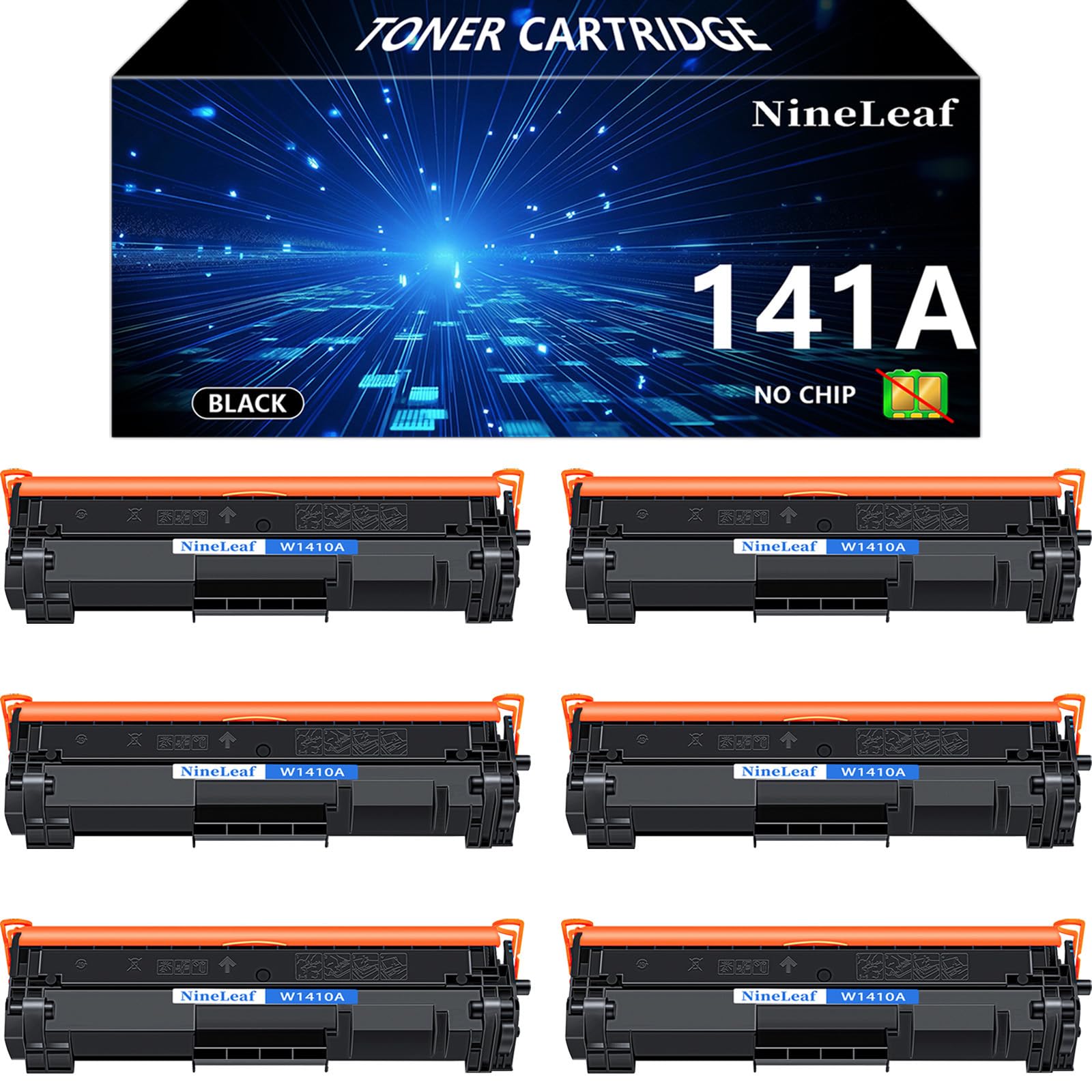
NineLeaf 141A No Chip Compatible Toner Cartridge Replacement for HP W1410A Black Toner Cartridge to use for Laser Jet MFP M140w M139w M110w M110we($86.98Value)
$86.98
NineLeaf 141A No Chip Compatible Toner Cartridge Replacement for HP W1410A Black Toner Cartridge to use for Laser Jet MFP M140w M139w M110w M110we($86.98Value)
Description
【Warm Attention】No OEM CHIP, requires you remove the old W1410A cartridge chip to these toner cartridges. Please use the moving tool and follow the steps in the figure to move the chip.Make sure the chip is installed in the correct orientation and the chip is flush with the end of the slot. 【Package Include】NineLeaf 6 packs W141A compatible toner cartridges replacement for HP 141A W1410A Black Toner Cartridge(No OEM Chip), and the tool used to remove the chip. 【Compatible for HP Printer】MFP M140w M139w M110w printers. Also compatible for “E” series printers: M110we M139we M140we printers, as long as the OEM chip is installed. 【Page Yield】1,000 pages (at 5% coverage Letter A4). Actual toner yield varies with usage, graphics printed and environmental conditions. 【Reliable Performance】NineLeaf toner cartridges deliver long-lasting, sharp, and high-quality prints with consistent results. Designed for easy installation and seamless compatibility, they are the perfect choice for your office, home, or school printing needs. Product Name: Nineleaf Replacement compatible for HP W1410A 141A No Chip toner Cartridge, 6PCS.
Color: Black
Compatible for HP Printer List:
Laser Jet MFP M140w M139w M110w printers
Please confirm your printer and toner model before order.
Page Yield: 1,000 pages (at 5% coverage Letter A4). Actual toner yield varies with usage, graphics printed and environmental conditions
Installation Instruction
Step-1 Remove the new toner cartridge from the packaging.
Step-2 Gently shake the toner cartridge from side to side to distribute the toner evenly.
Step-3 Pull out the sealing tape.
Step-4 Install the toner cartridge into the printer and start printing.
Steps To Move The Chip
Step-1 Take out the chip removal tool. Turn the tool handle counterclockwise to reposition the plunger until the plunger is adjusted to a position where the bulge no longer occurs.
Step-2 Place the tool into the chip slot of the old toner cartridge and press down to secure it.
Step-3 Once secured, turn the tool handle clockwise until one end of the chip is lifted up, Carefully take the chip out.
Step-4 Finally, push the chip into the slot of the new cartridge in the direction, making sure the chip is flush with the end of the slot.
Be careful not to install it backwards! Reverse installation will not be recognized.
More Information
| Color | Black |
| Size | NL-W1410A-NC-6PK-0602 |
| Mpn | NL-W1410A-NC-6PK-0602 |
| Age_group | ADULT |
| Condition | NEW |
| Gender | UNISEX |
| Product_category | Gl_office_product |
| Google_product_category | Office Supplies |
| Product_type | Office Products > Office Electronics > Printers & Accessories > Printer Parts & Accessories > Printer Ink & Toner > Toner Cartridges |