
Description
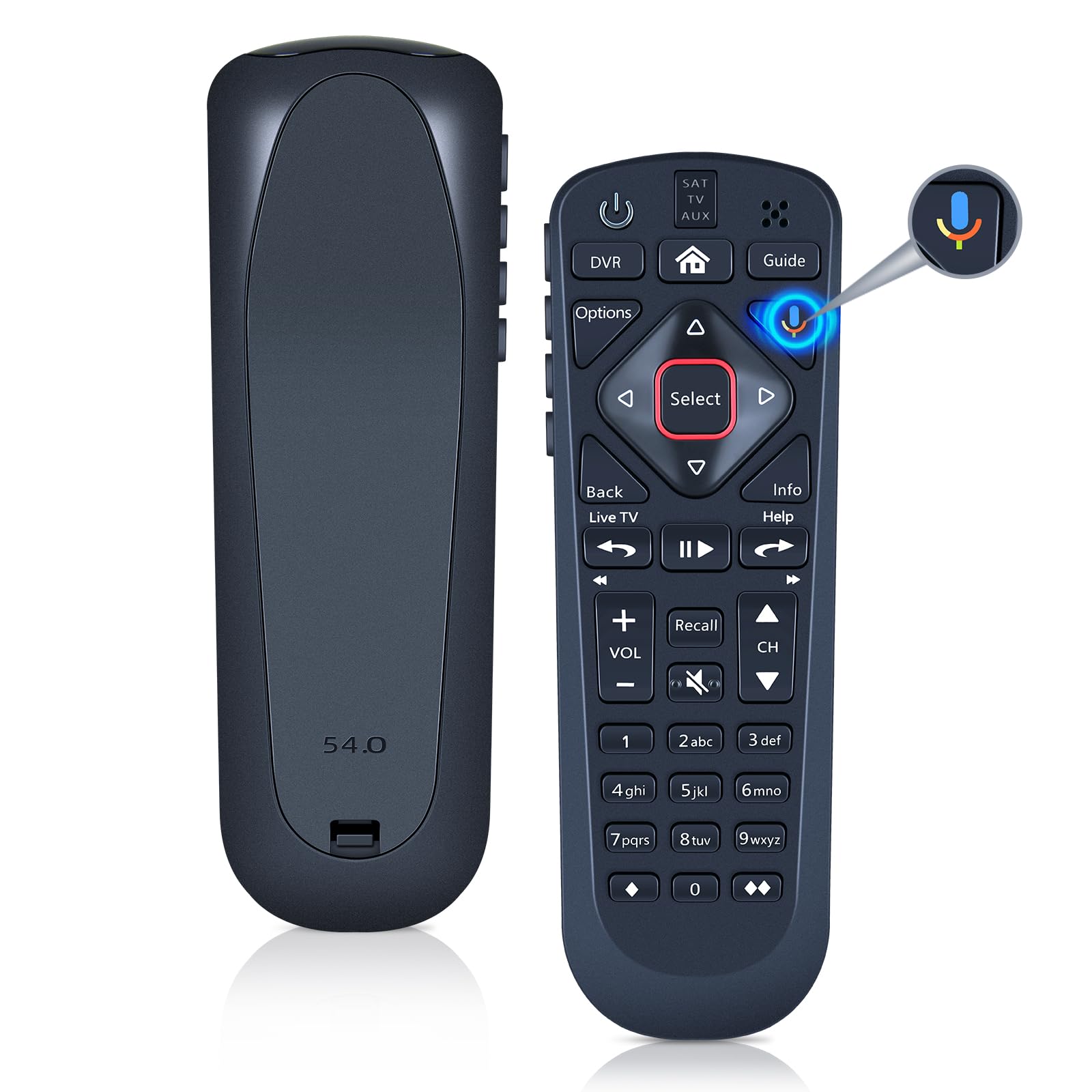
【Compatibility】WDZP New Voice Google Replacement Remote Control for Dish Upgraded 54.1 54.2 54.3 54 Series UHF Remote Controller (not include the battery) 【Noted】Once the pairing is complete, you can use the google voice function to enjoy the convenience it brings. Note: Your receiver must be connected to the Internet to enjoy voice control. To make a wireless connection: Home button twice > Settings > Internet. 【Pairing Method】 ① Press the HOME button twice. ② Select Settings, then Remote Control. ③ Select TV, and then TV Pairing Wizard. Follow the prompts.(Tips: You can also pair your remote with an Auxiliary Device, such as a Blu-ray player or stereo.) 【Unpairing method】 ① Press and hold the SAT button on the side of the remote control. After 3 seconds, the indicator light flashes. Release the keys. ② Press and hold the "Home" button and "Guide" at the same time, after 3 seconds, the buzzer will beep three times. Release the keys. 【Lifetime Warranty & Exceptional Service】Doesn't match your equipment? Quality problem? Don't worry!! We offer 6-MONTH warranty, free exchange or refund)) WDZP New Voice Google Replacement Remote Control for Dish Upgraded 54.1 54.2 54.3 54 Series UHF Remote Controller
More Information
| Color | Black/White |
| Age_group | ADULT |
| Condition | NEW |
| Gender | UNISEX |
| Product_category | Gl_electronics |
| Google_product_category | Electronics |
| Product_type | Electronics > Television & Video > Accessories > Remote Controls |